Elevating the UX: Refining HR Management Through User Feedback
This case study explores how I translated 40+ unique user insights into a more intuitive HR platform. By prioritizing clarity and accessibility, I crafted a digital space that supports both organizational goals and individual employee needs.
ROLE
UI/UX Designer
TIMELINE
2023-2025

BACKGROUND
When we have to be ready for any situation without prior preparation
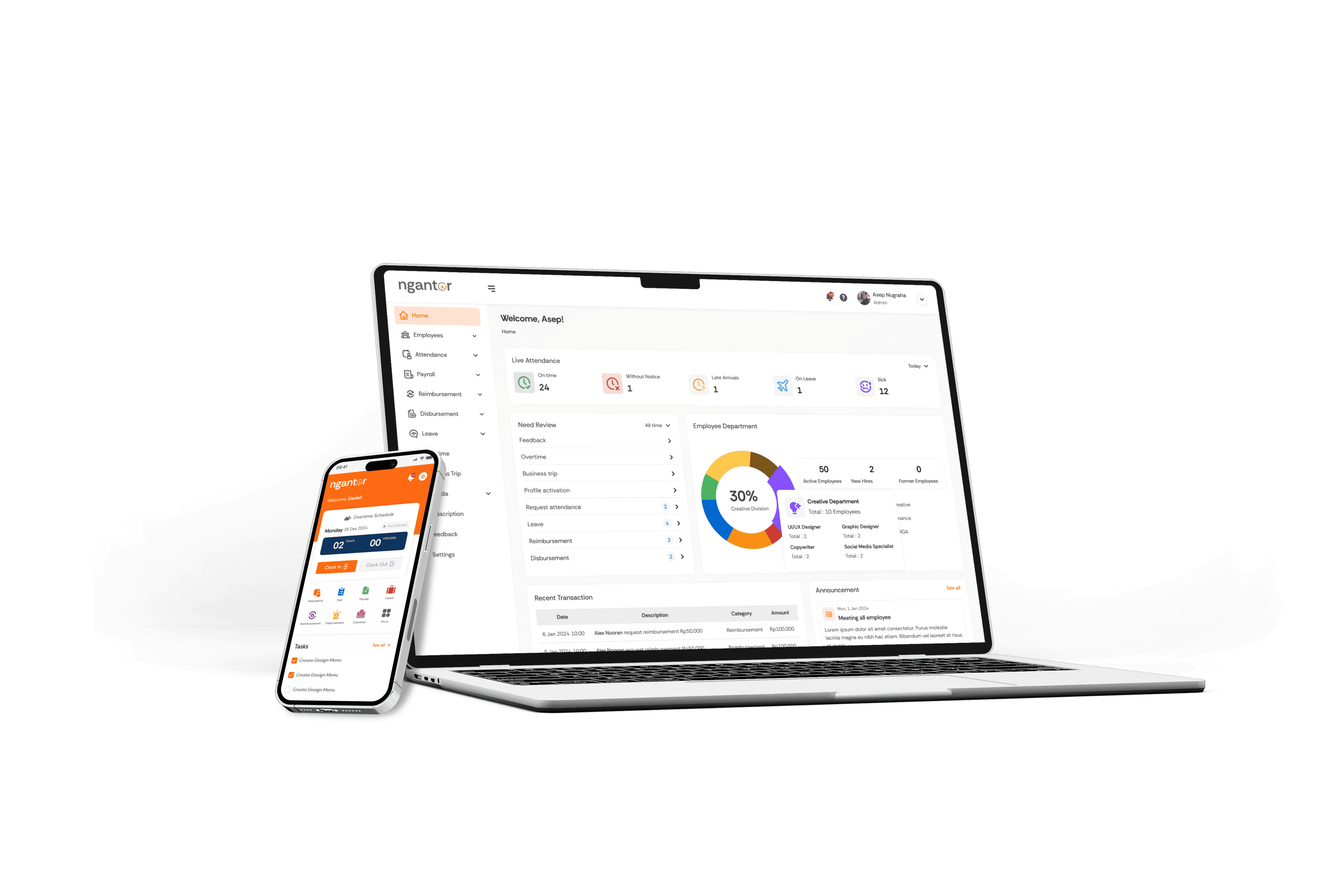
A few months ago, my project manager approached me to discuss the feedback from potential users regarding one of the web applications we had developed, an HR management system.
From these sessions, I identified more than 40 unique suggestions to elevate the product's design
THE STEPS
When my design speed was put to the test
Since my company hadn't yet established a proper workflow, I structured my design process into four steps to effectively manage a tight deadline.
📝
Problem Mapping
🖌️
Design
👀
Validate Solution
🥳
Improvement
#1 PROBLEM MAPPING
Prioritizing Features for the MVP Stage
Based on the feedback we received, we needed to balance user needs with other considerations. Therefore, my project manager and I prioritized items from highest (P0) to lowest (P2).
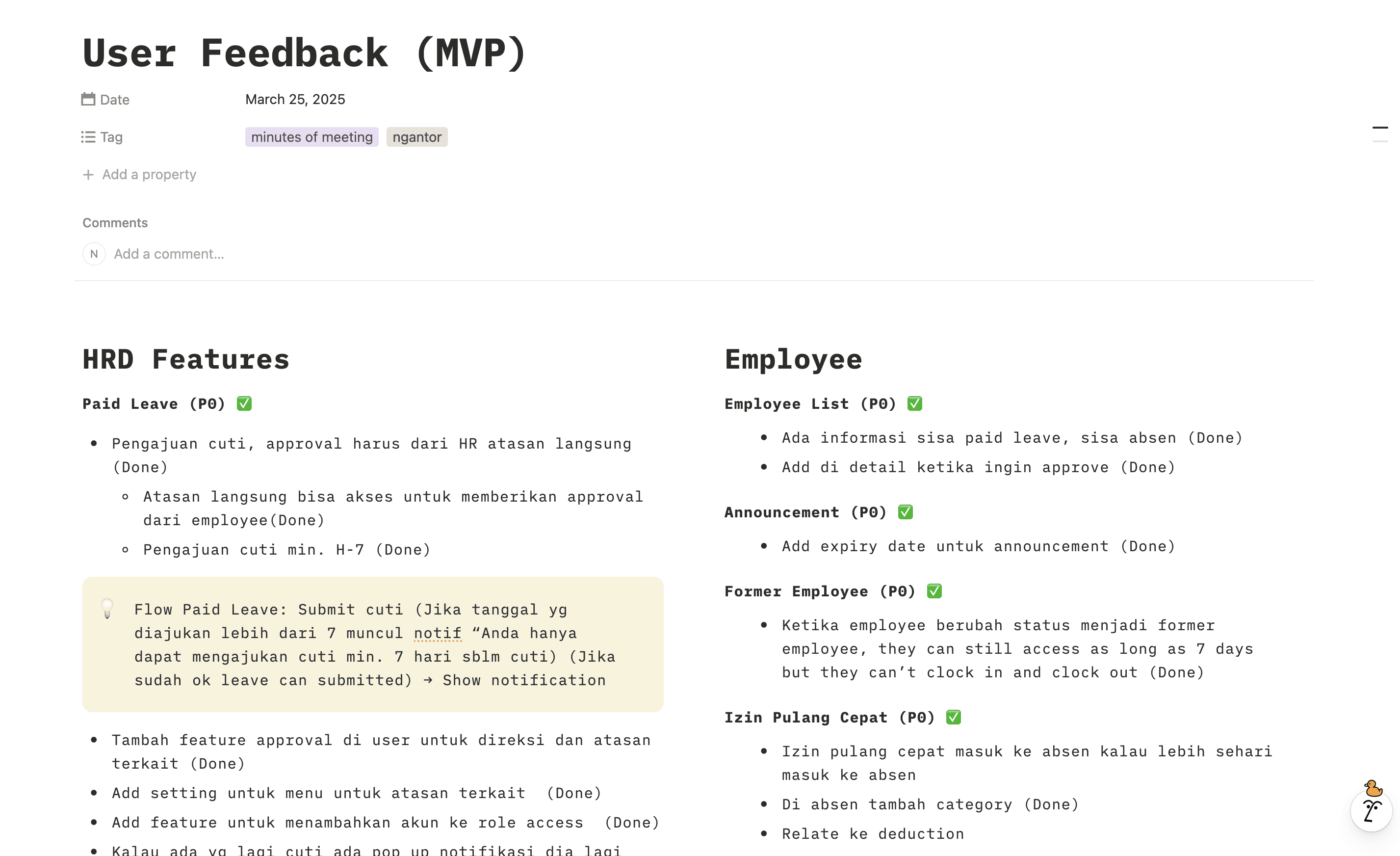
Overview notes after we define the priority
3 sample feedbacks made by users:
#1
HR team want to have detailed data whenever an employee takes overtime.
#2
HR team want more detailed information in the attendance feature.
#3
HR needs a systematic approval feature for leave, sick days, overtime, and other related requests
#2 DESIGN SOLUTION
When translating problems into effective design solutions
At this stage, I created solutions by aligning them with the feedback provided.
For straightforward feedback, I implemented changes directly to the existing design.
For feedback involving new features, I started by creating a simple user flow and validating it with stakeholders.

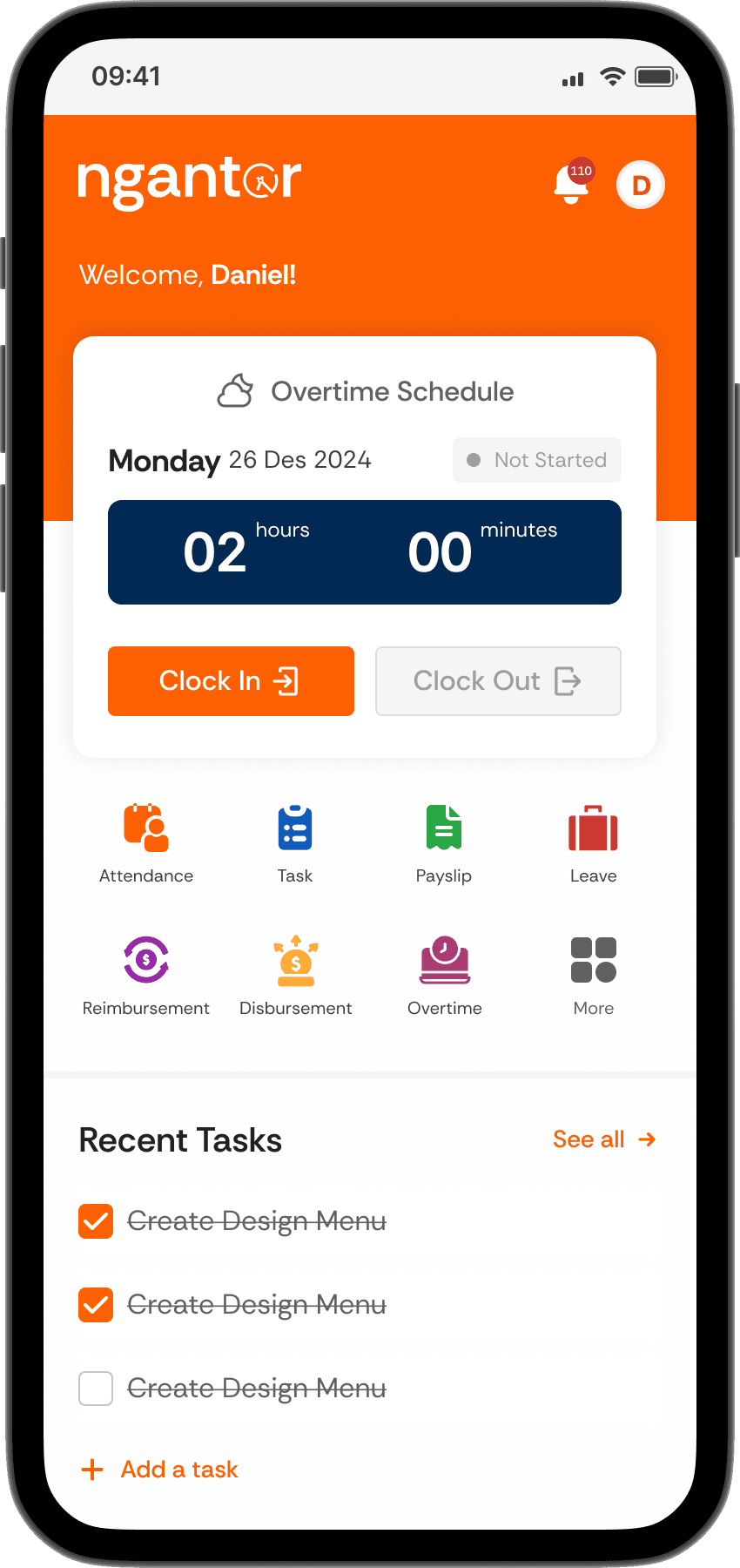
Adjusted the new schedule section to improve usability
Here, I added an icon to each schedule type to help users easily distinguish which schedule is currently active.
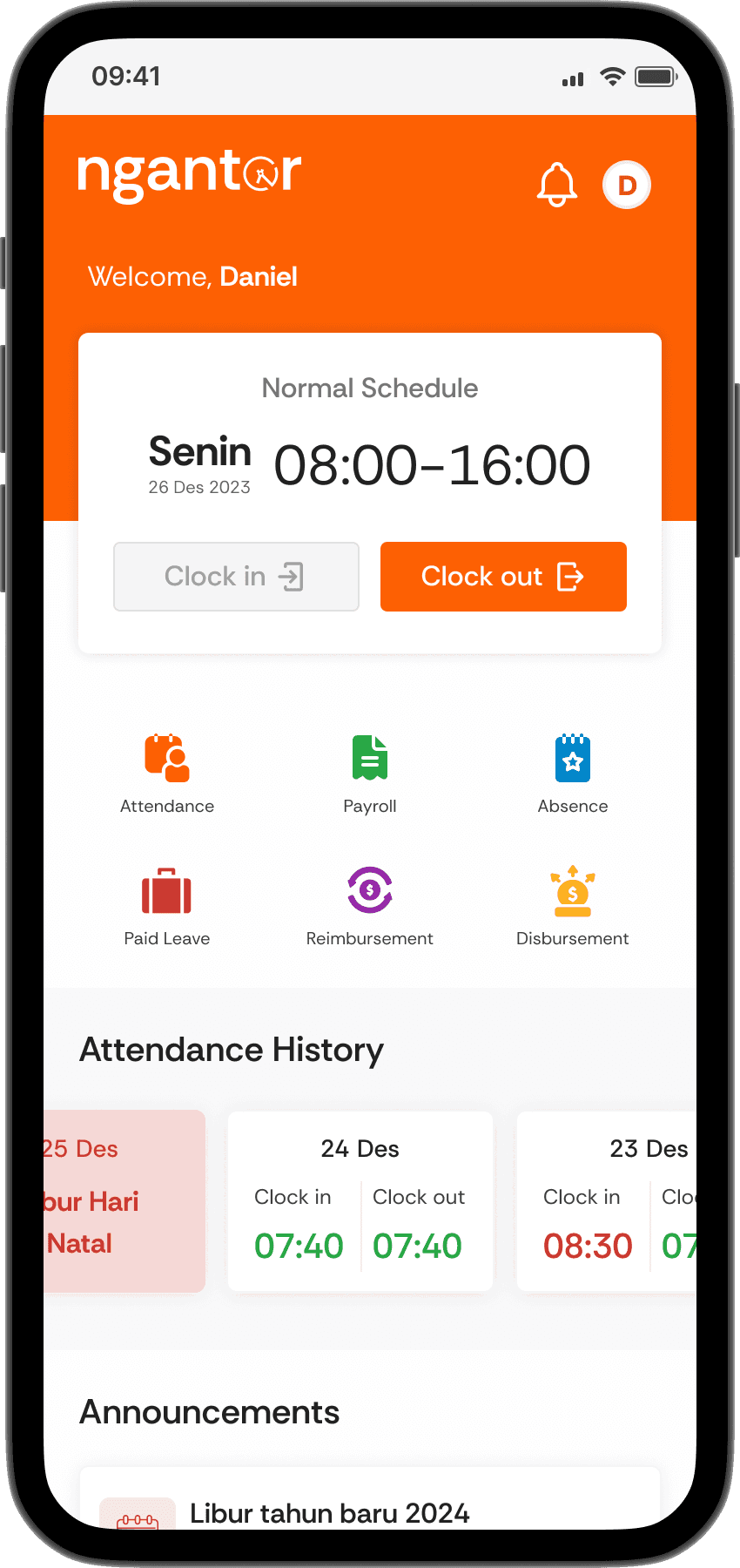
Before
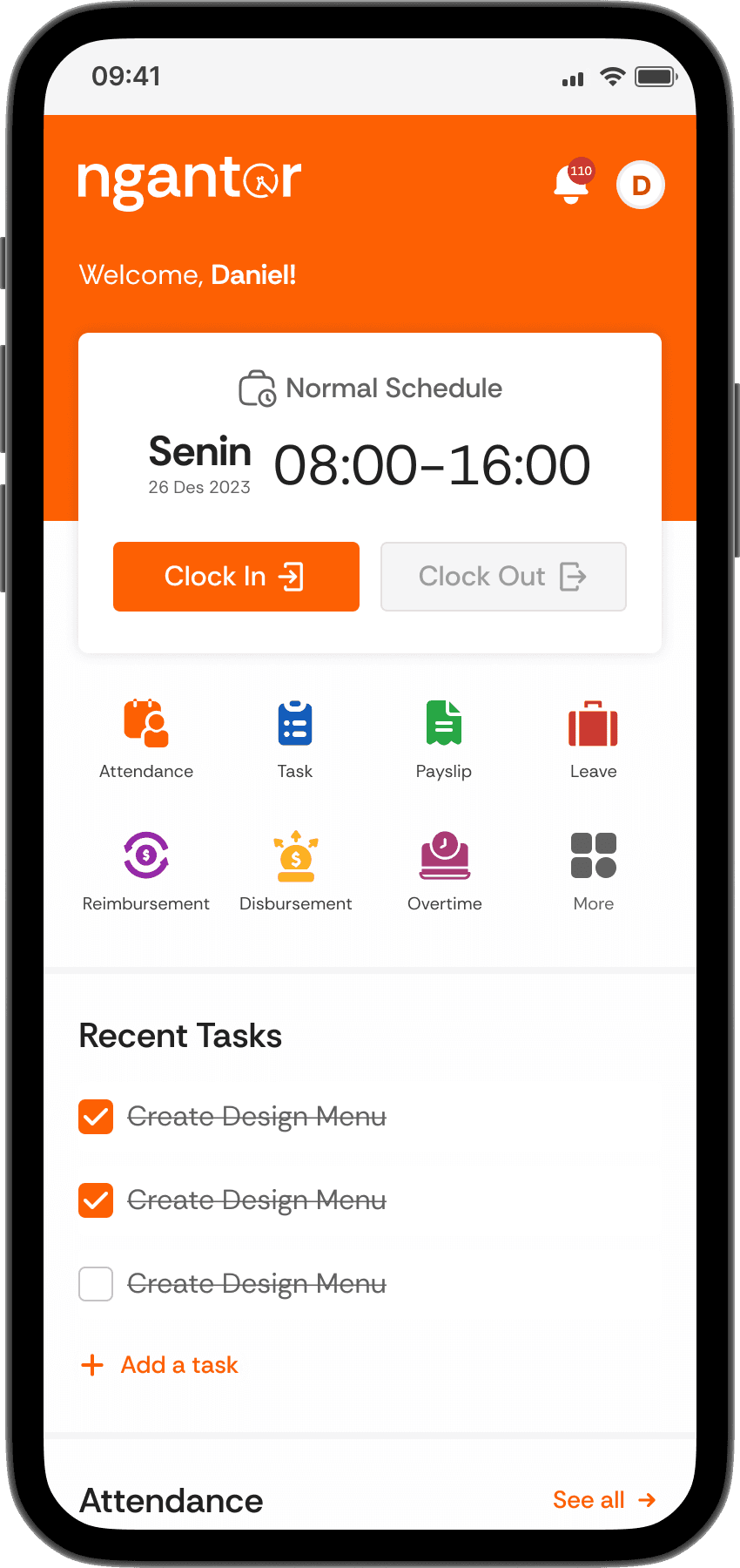
After
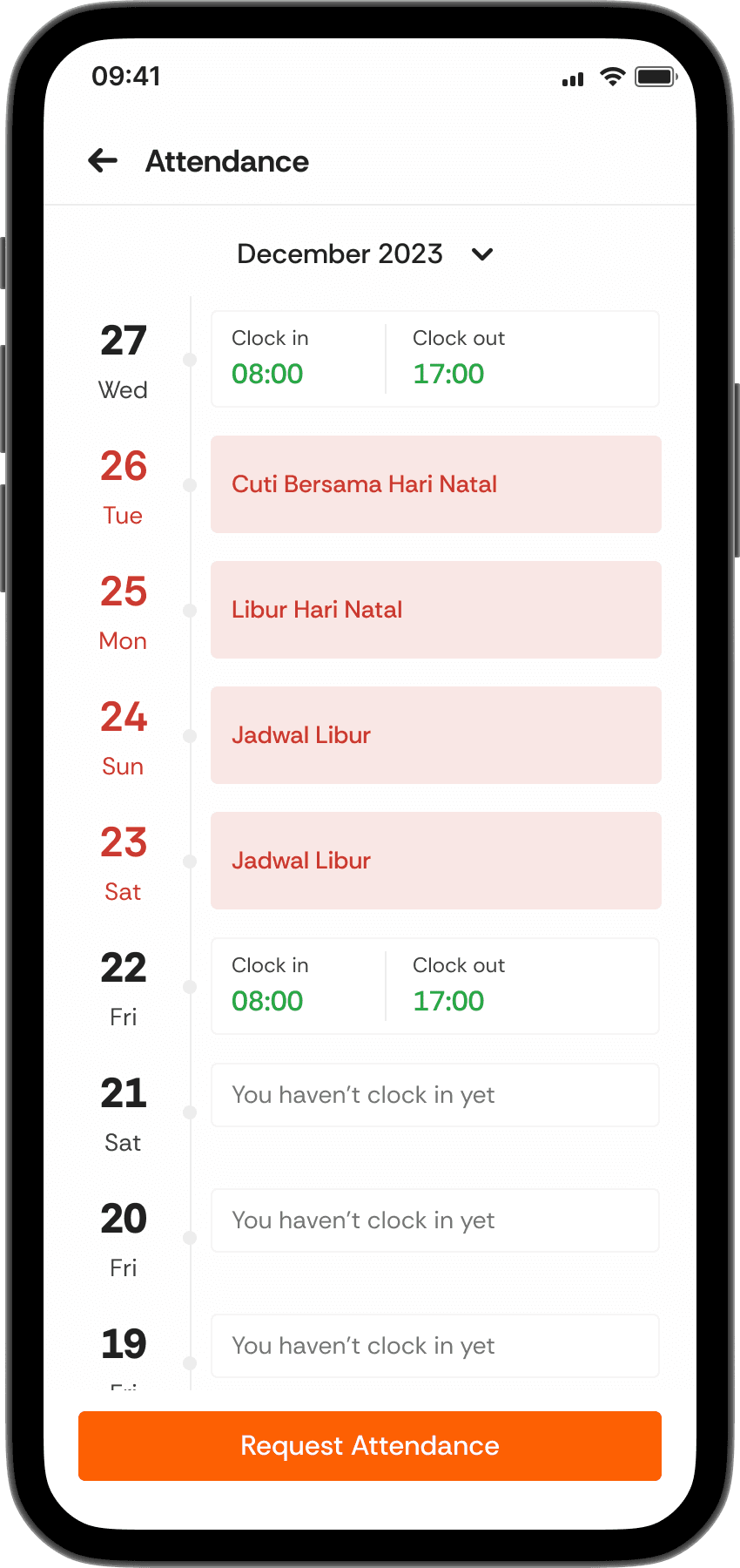
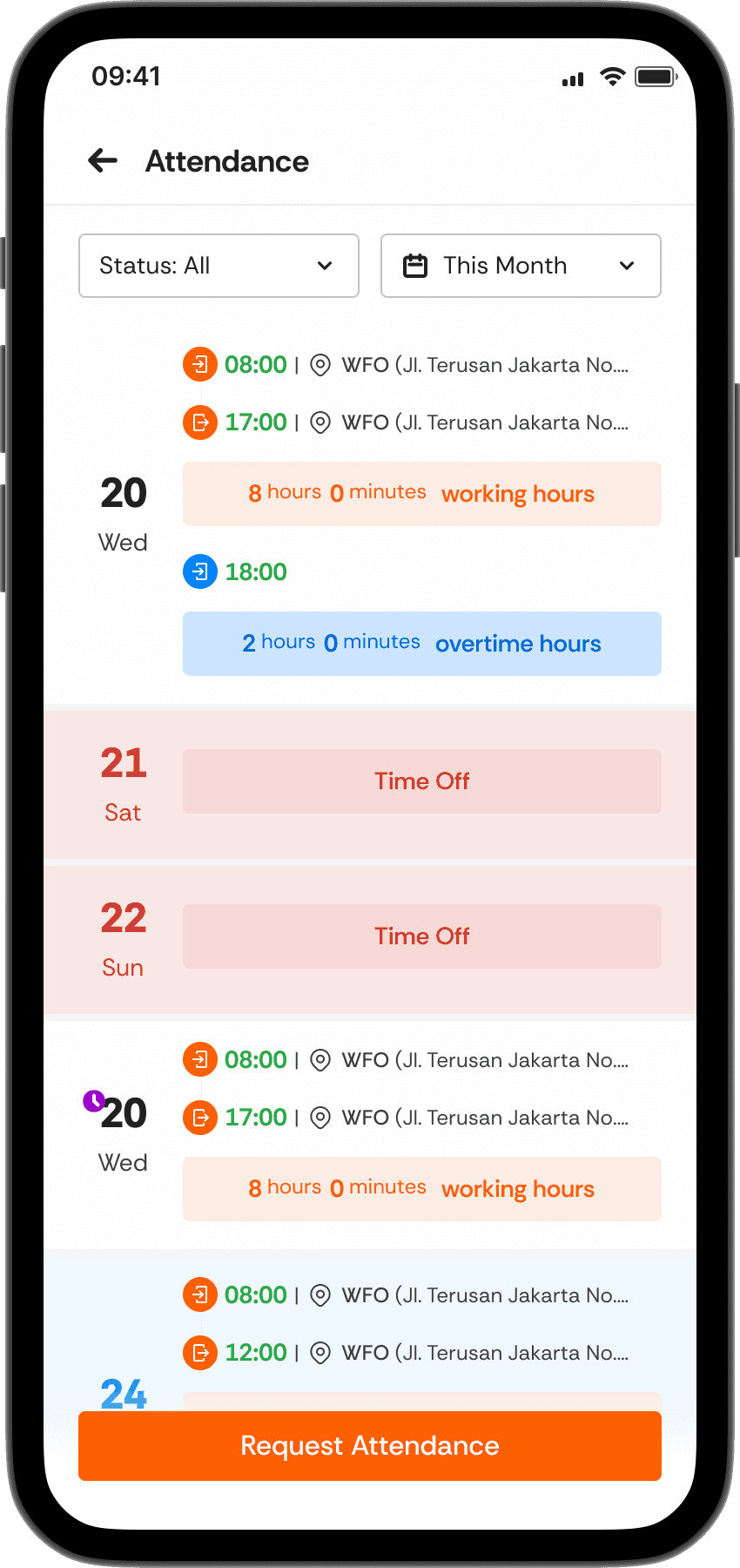
Added more detailed information to the attendance details section
Since there are overtime features and various types of employee work arrangements, the trade-off was to add additional information and indicators to the date list.
Before
After
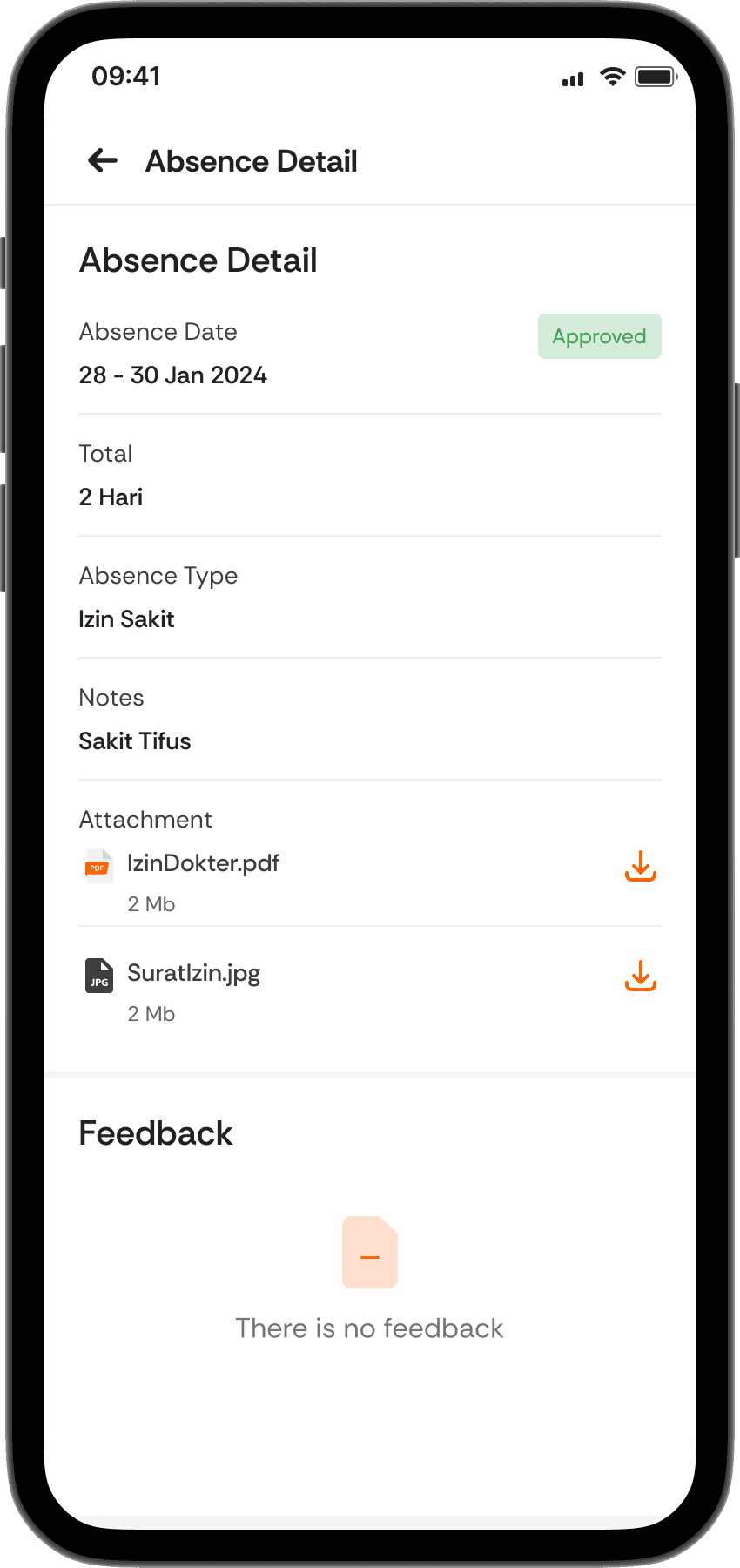
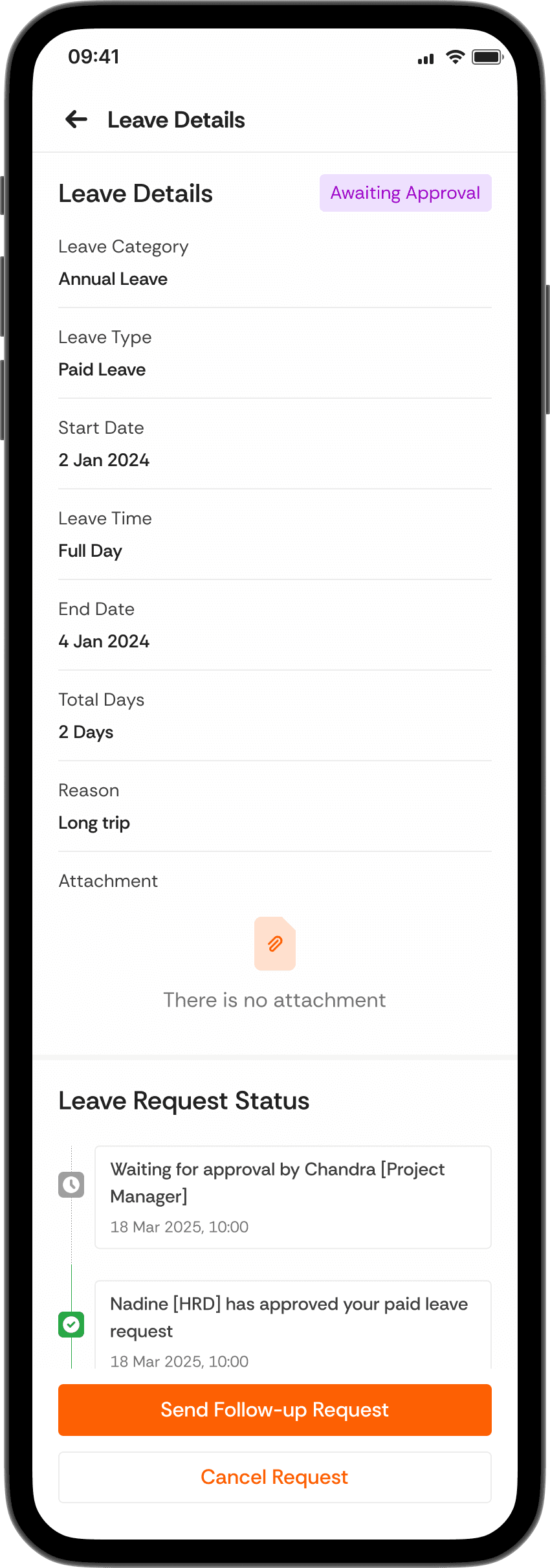
More steps, better system centralization with approval feature
To simplify the multi-level approval process, HR requires a feature that enables approvals across various aspects requiring supervisor authorization.
Before
After
#3 VALIDATE
Win for both sides (Users Satisfaction & Deadline Accuracy)
To ensure the accuracy of the solution I created, the project manager and I demonstrated the design solution. As a result, the users were satisfied with the outcome, and the solution was delivered on time.
But after that, was it over? Well, not.
#4 IMPROVEMENT
We’re still working on the improvement
Even though the major development phase has been completed, our product is still undergoing continuous improvement and enhancement, both now and in the future.
What did I learn from that case?
Even tho I managed to complete the task earlier than the given time, it would be better if I could take more initiative to create a better workflow in the future.
Furthermore, maintaining a healthy lifestyle is essential to prevent excessive stress when dealing with situations like this.
CLOSING
Thank you for visiting
That’s a wrap for my project! I would love to turn this concept into a real and scalable product someday. If you have any thoughts or feedback, feel free to discuss or leave a comment. Thank you!